A new adventure awaits: I got a Toshiba customer display
published:
author: Max_auCube
Translated with the help of Artificial Intelligence
During the week, I had the chance to get a Toshiba TEC LIUST-A10, two lines of twenty characters on a fluorescent display, with its cable and its DB9 plug at the end. The original idea was to make it display something other than a price: the music currently playing, for instance, or even computer notifications, or messages that people on the internet could send me. And it is on that last idea that I decided to embark: I am going to let you write whatever you want on it.
For now, let's discover what we've got. We'll see in future posts what we can do with it ;)
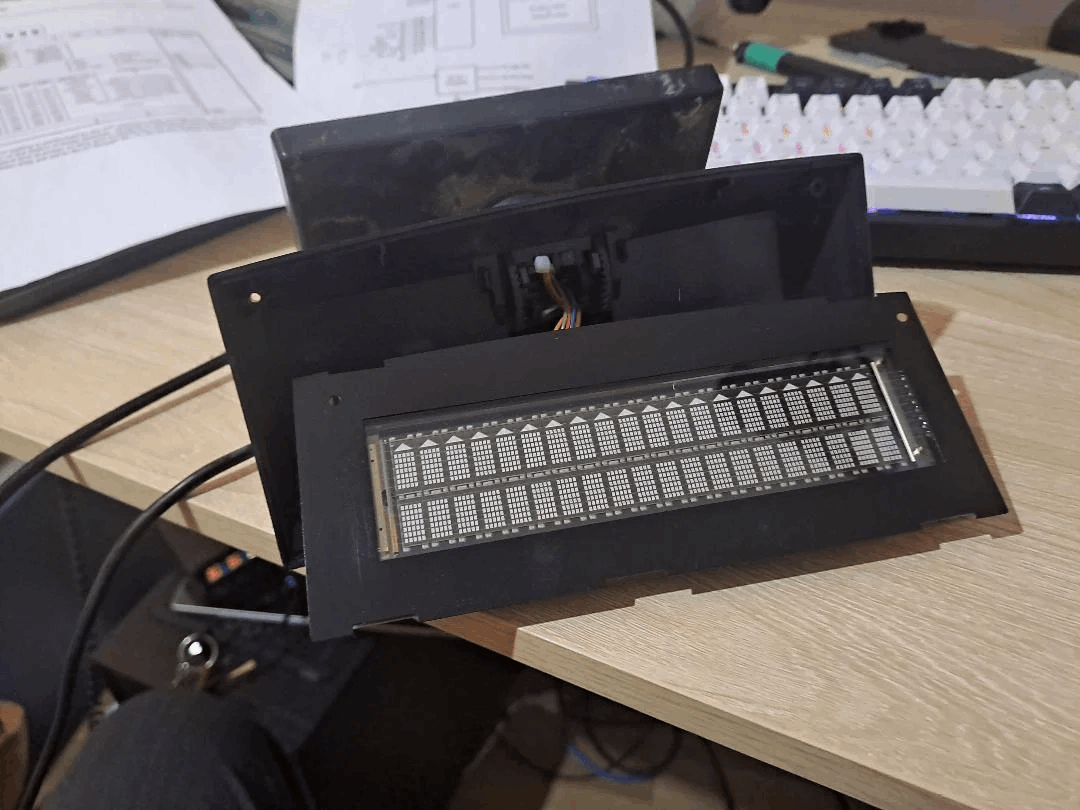
The device
It is a vacuum fluorescent display (VFD), not an LCD. Two lines of 20 characters, characters measuring 5.5 by 10.5 mm, powered by 12 volts DC, with a serial interface on a male DB9 connector at the end of a captive cable. It comes in three variants: fixed, tiltable, and "Remote", the latter measuring 200 by 98 by 110.8 mm for 750 grams. The advertised character set has 182 symbols, which largely covers the European alphanumeric range. In my case I managed to get a Remote, so with the cable, we will try to hook into it while following the documentation.
And speaking of documentation, this one is quite complicated. Toshiba publishes almost nothing: the product sheet fits on a single page and only gives the dimensions. The two documents that really matter circulate thanks to people who scanned them and put them online:
- the LIUST51 HW REFERENCE MANUAL (reference RAA-477, 1999), which describes the pinout and the power supply;
- the LIUST5X SW REFERENCE MANUAL (reference EYA-03969, 1998), which contains the whole command set.
Power comes through the serial cable
With Toshiba TEC, the customer display has no power supply of its own. It is powered by the cash register, through the serial connector. No power brick, no jack plug: the 12 volts sit on one pin of the DB9. The block diagram in the manual is unambiguous: the 12 volts comes in through the cable, goes through a DC-DC converter, and then feeds the 5-volt logic, the display driver and the tube filament.
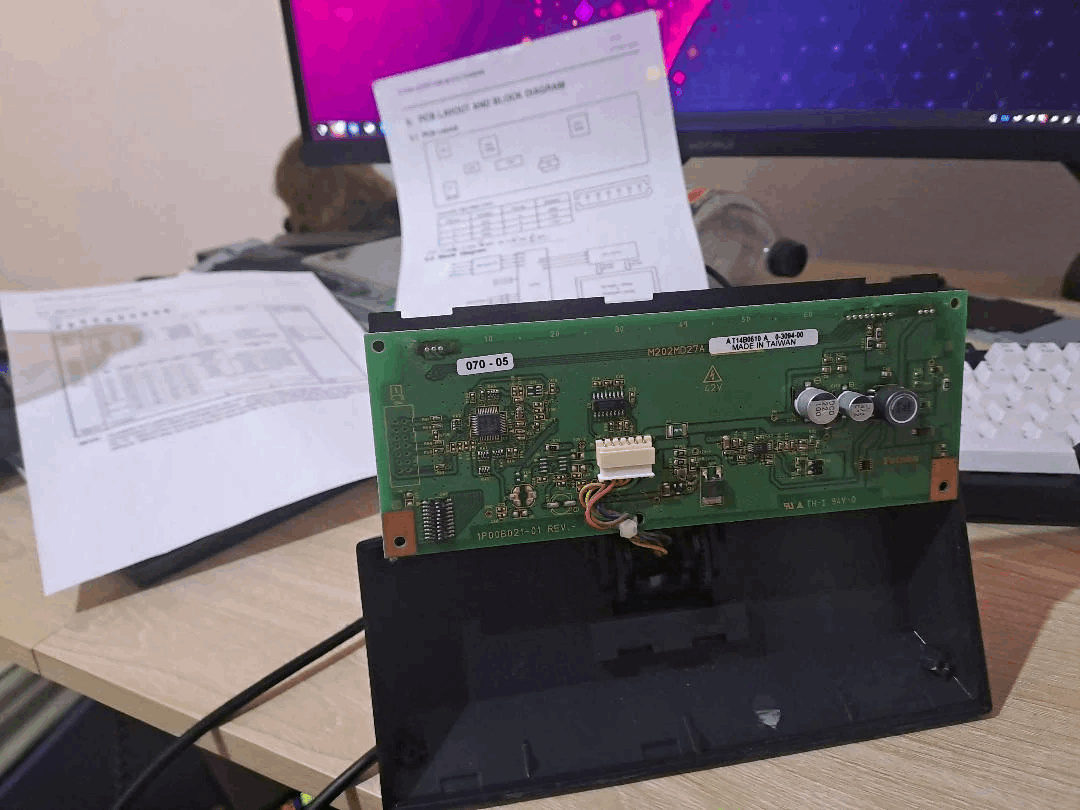
One thing to watch out for: parity is not ignored
The factory settings are 9600 baud with odd parity enabled. The manual is explicit on one point that changes everything: when a byte arrives with a parity error, it is ignored. That gives me a small constraint in the firmware code I will write later.
The communication protocol itself is rather simple to understand: it is ASCII text and commands inspired by ANSI.
What's next
There are two ways to go about it. The first one is still a computer: a 12-volt power supply, a USB-to-RS-232 adapter, and a DB9-to-screw-terminal adapter to build the power injection cable without soldering. About fifteen euros and one evening.
The second one is more interesting: a microcontroller like an ESP32. With a MAX3232 module, a buck converter to step the 12 volts down to 5, and a USB-PD trigger, the object becomes self-contained: it connects to the network and fetches by itself whatever it has to display, with no computer running next to it. Count about twenty euros of components.
Deep down, it is not a difficult object. It is an object whose documentation is not where you look for it, and whose two traps are invisible: a power supply hidden inside the cable, and a parity setting that leaves the screen mute. Once you know that, all that is left is ASCII text.